

How to Have Mods and Plugins at the Same Time
Na této stránce
A hybrid server is the perfect solution if you want the best of both worlds: adding new dimensions, weapons, or creatures through Mods, while simultaneously protecting builds, adding ranks, and managing an economy through Plugins.
(Note: This entire process is done from your hosting's web "Control Panel").
1. The most important requirement: Choosing the Hybrid Software
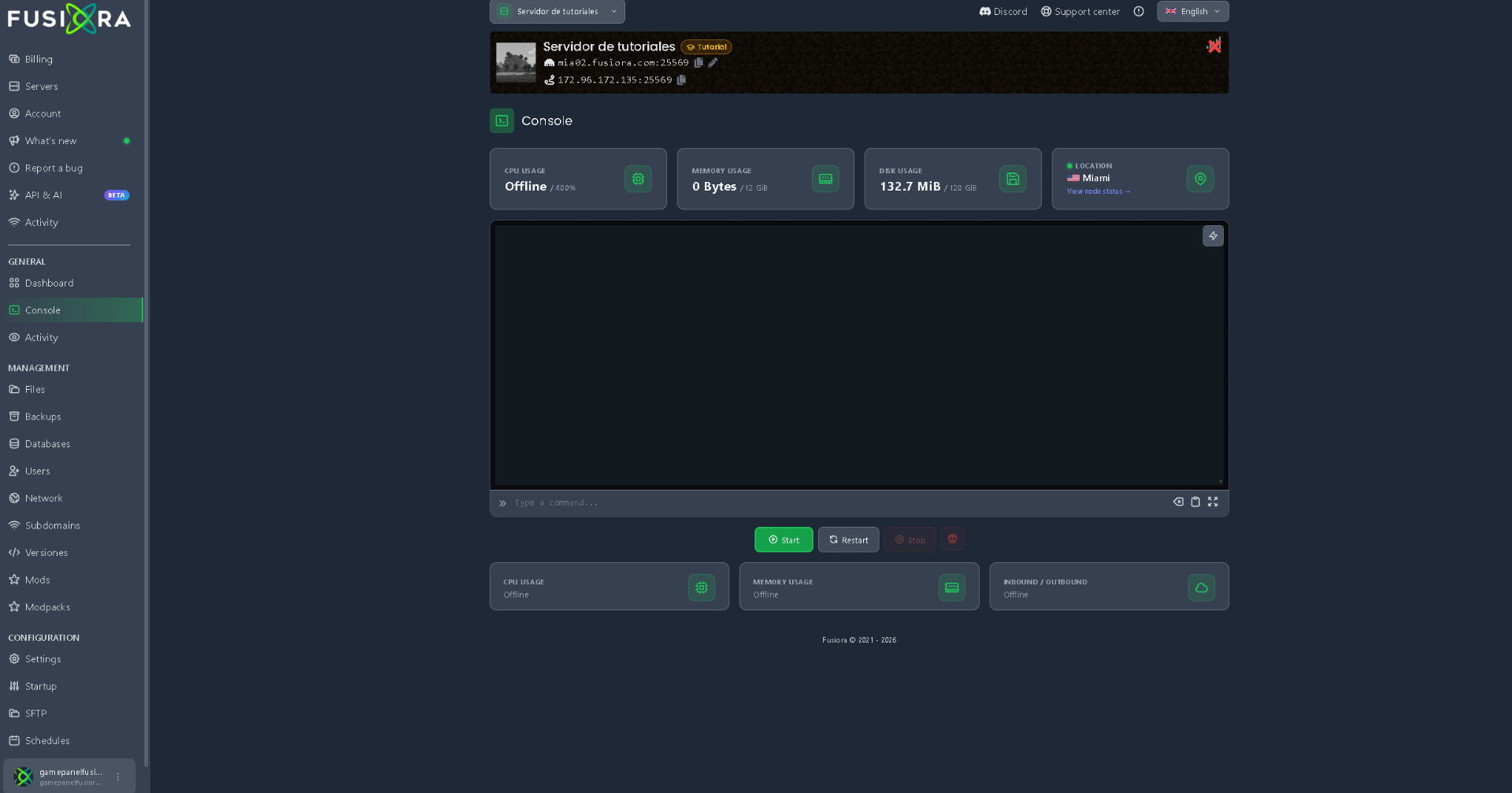
You cannot install plugins and mods together on a Vanilla server, pure Forge, or pure Paper. Your server must be running Hybrid software.

The three most popular and recommended hybrid softwares are:
- Arclight: The most modern, stable, and optimized option right now (ideal for recent versions such as 1.16.5, 1.18.2, 1.20.x). It offers versions for Forge, NeoForge, and Fabric.
- Mohist: Highly popular and easy to set up, compatible with a huge variety of mods and plugins (widely used in 1.12.2, 1.16.5, and 1.20.x).
- Magma: An excellent alternative for Forge servers on versions like 1.12.2 or 1.18.2.
2. Starting the server for the first time (Folder Creation)
Once you install the hybrid software in the panel:
- Go to the Console and start the server.
- Wait a few minutes until it finishes starting completely (you will see the
"Done!"message in the console or the status will say "Online"). - Stop the server.
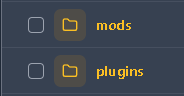
Upon starting for the first time, the server will automatically generate two key folders in your file manager: the mods folder and the plugins folder.
3. Uploading your files to the server
Go to the Files tab (File Manager) in your control panel:

- 📁
modsfolder: Open this folder and upload only the.jarfiles for your mods (along with any libraries or dependencies they require). - 📁
pluginsfolder: Open this folder and upload only the.jarfiles for your plugins (e.g., LuckPerms, WorldGuard, EssentialsX).
4. Starting and verifying
Go back to the console and start the server. During startup, the server will load the mod layer first and then the plugin layer.
How to know if everything installed correctly?
- For plugins: In the panel's Console, type
plorplugins(without the/slash). If they appear listed in green, they are working perfectly. - For mods: Watch the console on startup; if the server finishes booting and stays "Online" without shutting down on its own, the mods loaded without conflicts.
5. The mandatory step: Your players (Client-side)
Remember the golden rule:
- Plugins only exist on the server; your friends do not need to install anything on their computers to enjoy them.
- Mods, on the other hand, must be installed by every player on their own computer (in their Launcher) along with the corresponding Forge or Fabric loader.
❌ What NOT to do
- Mix folders: If you upload a plugin to the
modsfolder or a mod to thepluginsfolder, the server will crash or throw massive errors. Keep each file in its respective folder. - Install aggressive optimization plugins: Plugins that alter chunk generation or world loading can conflict with mods that add new dimensions or biomes. On hybrid servers, stick to utility plugins (protection, permissions, economy, chat) and avoid heavy performance-altering plugins.
- Use the
/reloadcommand in-game: On a hybrid server, using/reloadis especially dangerous as it destabilizes both the Forge and Bukkit systems simultaneously. Always restart the server safely using the panel buttons. - Forget dependencies: Just like on a normal mod server, if a mod requires a library and you don't upload it to the
modsfolder, the server will automatically shut down (crash).